Key takeaways
- Separate no-go zones, no-mop zones and carpet modes. Use a model-specific worksheet to verify map, attachments, schedules and room access.
What's inside
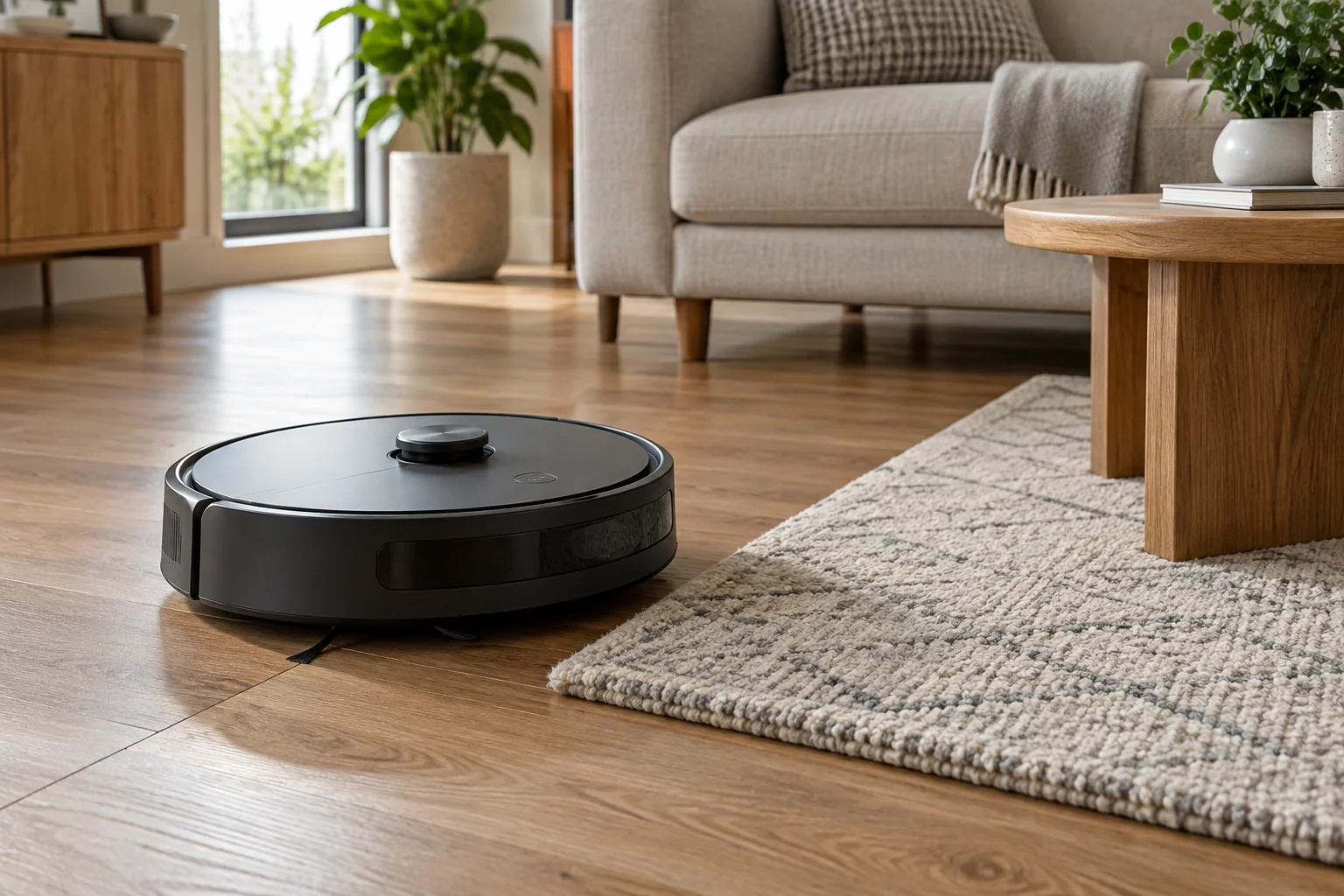
A robot vacuum’s no-go zone normally excludes an area from cleaning access, while a no-mop zone applies a restriction associated with mopping. The exact behavior depends on the model, attached hardware, app and cleaning mode. A no-mop label does not by itself promise that the robot lifts its pad and vacuums that area.
Before setting a schedule, write down what you want in each area: no entry, vacuum only, transit without cleaning, or permitted vacuuming and mopping. Then match that request to the functions documented for your robot.
Use an actual model example without generalizing it
The Roborock S5 Max manual describes virtual no-mop zones that activate when the mopping-cloth bracket is installed. It also requires Map Saving Mode for virtual no-go zones and warns that virtual boundaries are for customizing cleaning areas, not isolating hazards. These details apply to that documented system; they are not an instruction set for every Roborock.
Roborock separately describes carpet handling modes such as lifting the mop, avoiding carpet and crossing without cleaning. A carpet-detection response and a manually drawn exclusion are different controls. Check which controls your particular model supports and how they interact.
Create a room-by-room intent map
Make a plain sketch of the floor and label the areas that need different treatment. Use descriptions such as “woven rug beside sofa” rather than relying only on a colored rectangle in an app screenshot. Include the route between the dock and each target room.
| Area | Desired action | Function to confirm | Open question |
|---|---|---|---|
| Delicate rug | No wet cleaning | No-mop or documented carpet setting | Does vacuum-only access remain possible? |
| Work corner | No robot entry | No-go zone or permitted boundary method | Is the saved map active? |
| Connecting passage | Reach another room | Documented transit behavior | Does an exclusion block the route? |
| Hard-floor area | Approved cleaning mode | Selected room and floor settings | Is the flooring compatible with mopping? |
Keep hazards outside this planning exercise. Remove unsuitable floor clutter and follow the robot’s physical safety instructions. Do not use a virtual rectangle as the only protection at an unguarded drop, around liquids or beside another condition the manual excludes.
Check the hardware and schedule together
Record the exact robot model, the app version shown on your device and the current map name. Then record which mop parts will be installed during the scheduled job. A household member removing a bracket or changing a cleaning attachment can change the conditions under which a setting operates.
Open the scheduled task itself, not just the general map screen. Confirm the floor, rooms and cleaning mode selected there. If the app offers separate room routines, check each routine that could reach the restricted area. A correctly drawn zone on an unused floor map does not establish the behavior of tonight’s schedule.
When the documentation does not explain whether a restriction applies during transit, docking or a particular spot-cleaning command, ask support with the exact model and app screenshots. Keep the unresolved operation out of an unattended routine until you have a reliable answer.
Worked example: a rug blocks the route
Consider a hypothetical living room with a rug between the dock and the dining area. The owner wants the rug vacuumed but never mopped. Setting the entire rug as no-go may prevent the robot from reaching the dining area at all. Calling the same rectangle no-mop does not automatically solve the route problem.
The owner first checks the documented behavior for their model. If its no-mop setting excludes that area whenever the mop assembly is present, a combined mopping job may still have no route through it. The record should say “route unresolved with mop attached,” rather than assuming a pad-lifting feature the machine lacks.
A supported vacuum-only routine or a different permitted setup may address the requirement, but the choice depends on the product. This example illustrates the conflict between access and cleaning mode; it is not a recommendation to relocate a dock or change attachments contrary to instructions.
Observe a suitable first run
Once settings match the manual, observe an initial run in a prepared, hazard-free area. Keep the ability to pause the robot available. Watch the approach to the relevant boundary and whether the intended rooms remain reachable. Do not create a spill or expose a vulnerable object as a boundary test.
Write what you observed in ordinary terms: which mode ran, which attachment was fitted, whether the robot entered the area and whether the destination was reached. A successful observation is useful configuration evidence, not a guarantee that software boundaries can replace physical precautions.
Recheck after meaningful changes
Review the record when a map is rebuilt, the dock moves, the room layout changes substantially or settings are restored. Compare saved screenshots with the current app instead of assuming exclusions survived unchanged. Also revisit the plan when replacing a rug with one that has different floor-care requirements.
Keep the final household instruction short and specific: model, map, approved routine and required attachment state. The goal is a documented cleaning arrangement that other people can reproduce, not a universal claim that every “smart mapping” robot handles no-go and no-mop zones the same way.