Key takeaways
- Understand washer Child Lock by model, panel and cycle state. Separate restricted controls, door behavior and temporary versus fully off settings.
What's inside
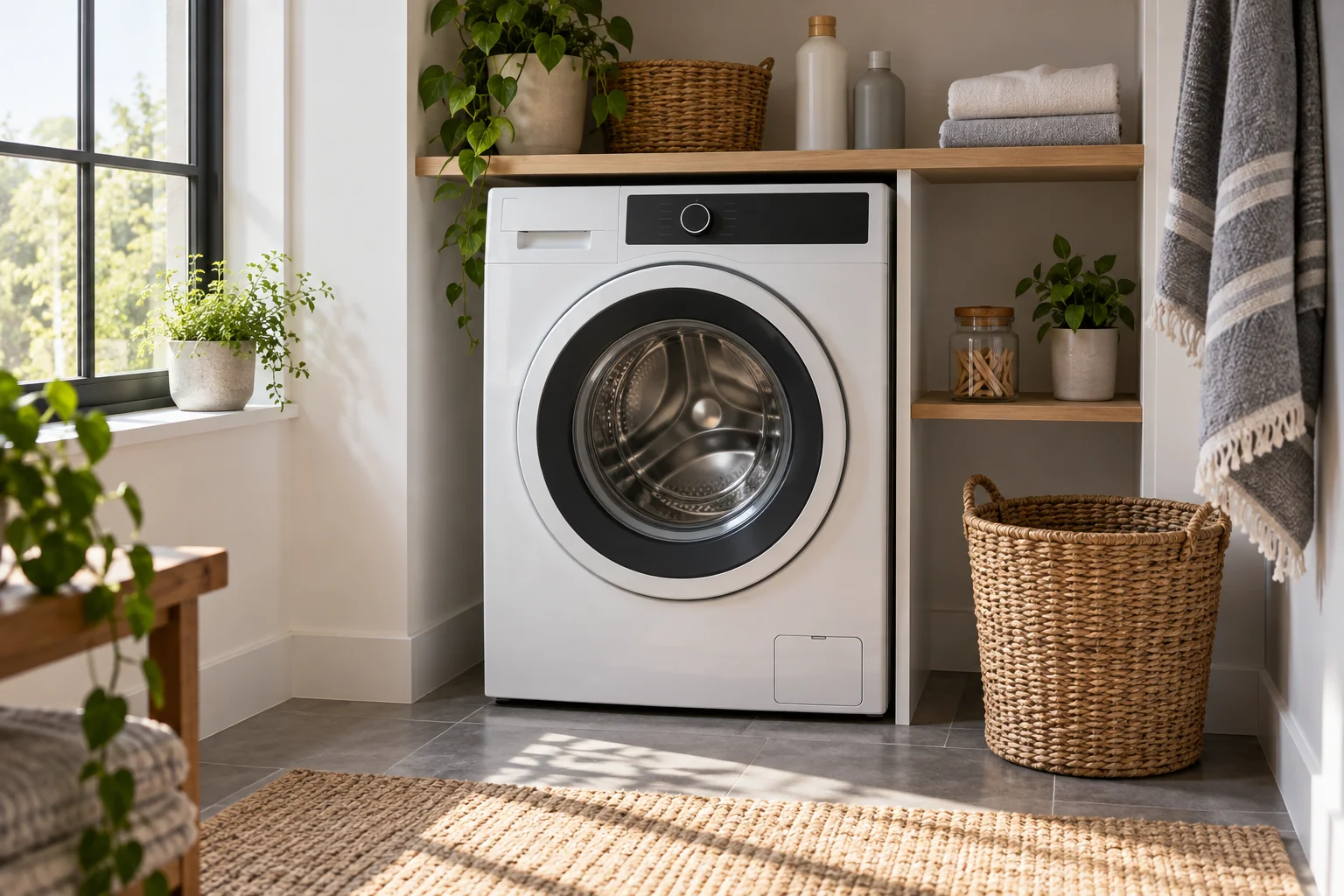
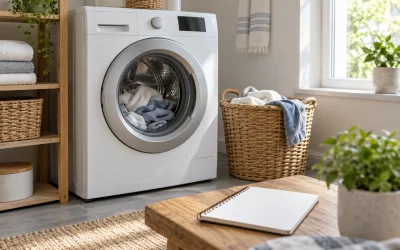
A washing machine’s Child Lock can restrict controls without describing every part of the door or cycle behavior. Find the instructions for the exact model and identify what changes while a cycle is running. An illuminated lock symbol alone is not enough to tell you whether the door is secured, which buttons remain available or what happens after power returns.
Start with three separate functions
Read the manual for control locking, the normal cycle door lock and any temporary release feature as separate subjects. They may interact, but they are not interchangeable. A door can remain locked because of the cycle even after a control restriction has been disabled.
Samsung’s US Child Lock support page illustrates why model details matter. It says the feature disables control-panel buttons with exceptions, that door behavior differs between models, and that the available buttons can also depend on whether a cycle is running. It describes some top-load machines whose Child Lock does not lock the door.
Those examples are reasons to consult your manual, not instructions to assume a particular behavior on a different washer. Do not treat Child Lock as a substitute for supervising children or keeping them away from the appliance.
Identify the panel you actually have
Use the model label or purchase documentation to find the correct regional manual. Match the pictured control panel as well as the model name. Similar-looking machines can use different button combinations, menu settings or icons. A video for another model may therefore create more confusion than it resolves.
Look for the section heading and page number describing the lock. Record the documented activation method, the confirmation indicator and the method for turning it off. If the manual distinguishes temporary off from fully off, preserve that distinction in your notes. Do not shorten both instructions to “hold the lock buttons.”
For a machine with more than one control panel, establish whether each panel has its own setting. Samsung specifically notes separate settings for its FlexWash and FlexDry panels. That statement concerns those product families; another appliance’s layout requires its own instructions.
| State or action | What to find in the manual | What not to infer |
|---|---|---|
| Before a cycle | Which controls are restricted | A locked panel means a locked door |
| During a cycle | Permitted buttons and cycle effects | All buttons become inactive |
| Temporary off | Indicator and automatic return behavior | It is the same as fully off |
| Fully off | Confirmation that the setting is disabled | The door must immediately open |
| After power interruption | Whether the setting persists | Restarting always clears it |
| Another panel | Separate or shared setting | One panel controls the whole appliance |
Read the indicator in context
A steady symbol, a flashing symbol and a displayed code can mean different things. Compare what you see with the correct manual illustration. Note whether the appliance is idle, washing, draining or finished. Reporting only “the lock light is on” leaves out information that support may need.
Samsung’s guide describes a temporary-off state on many models, with an indicator change and subsequent re-engagement. It also states that restarting does not disable Child Lock on the appliances addressed by that guidance. Avoid repeatedly switching power as a general unlocking strategy; use the documented method for your machine.
If the control display differs from the manual or the described sequence does not work, stop guessing button combinations. Save a photograph of the panel and contact the manufacturer. Do not attempt to bypass a door latch, force the handle or access an internal switch.
Consider the add-an-item situation
Imagine a household member notices a missed sock after starting a wash. The panel shows a lock indicator, and the owner remembers that the manual includes a temporary-off setting. This fictional situation has two questions: how to change the control-lock state, and whether the appliance’s current cycle permits the door to open.
The owner checks both sections rather than treating the first answer as permission for the second. If the cycle instructions do not allow adding an item at that stage, the sock waits for another load. Disabling one feature does not cancel the machine’s other operating conditions.
This example deliberately supplies no universal button press, waiting interval or door-opening procedure. Those details belong to the model. A useful household note links to the relevant pages instead of paraphrasing a complicated sequence so loosely that an important step disappears.
Make a brief note for other adult users
Keep the model name, manual location and lock-page references where other adult users can find them. Include the exact words the manufacturer uses for temporary off and fully off. Explain any separate panels and distinguish a lock indicator from an unrelated fault code.
Update the note when the appliance changes. A familiar button combination from the previous washer should not become an inherited household instruction. If the panel has changed after a documented update or repair, obtain the applicable guidance from support before relying on an old screenshot.
Know when this is a support issue
Persistent disagreement between the manual and the actual display needs model-specific help. Tell support the model, cycle state, visible indicator and documented steps already attempted. That is more useful than a list of random buttons pressed. The goal is to understand the appliance’s intended control and door behavior while preserving its normal protections, not to find a shortcut around them.